Build a free online TV station with YouTube: Ten TV, from idea to launch in one day
YouTube has everything, but you have to pick every single video yourself. What I wanted was old-school television: it's already playing when you turn it on, you just change the channel, and everyone sees the same point in the broadcast. From a morning question to opening up for search indexing that night, ten channels, a remote, viewer proposals with voting, and dwell-time stats were all built in a single day by one AI agent. This post covers how the work was broken down, the pitfalls we hit, the two times I guessed wrong, and why we settled on just ten channels.
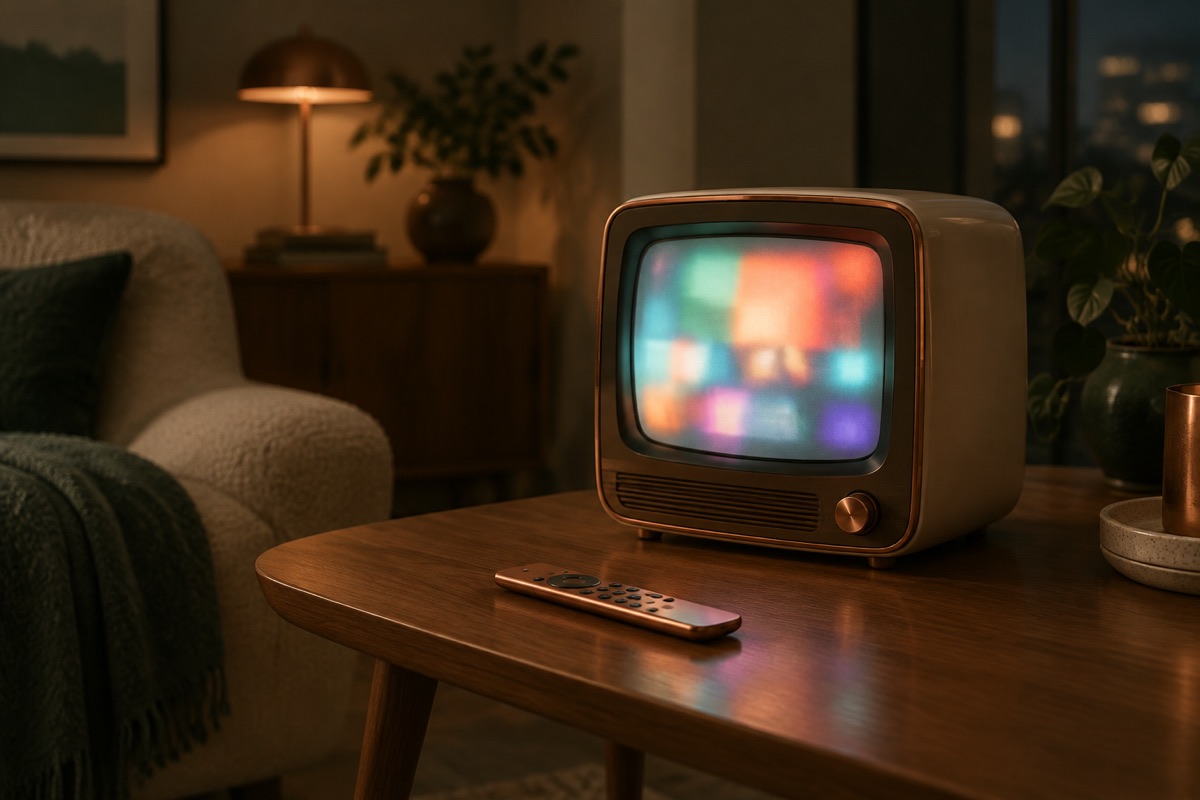
It started with a question one morning. YouTube is on-demand: you pick every video yourself. Playlists can string a topic together, but it's still "my list, played from the start." Could it be made to work like television used to? You show up, pick a channel, keep watching, and the schedule grows on its own.
At eleven that night,Ten TV opened up for search indexing. Across the ten iterations in between, every line of code was written by a single Claude Opus agent. My job was to break down the requirements, review screenshots from real devices, and overrule it or get overruled by it. This post isn't about code. It's about decisions, pitfalls, and how far a product can be pushed in one day.
The usual disclosure: this is an AI collaboration experiment. In every iteration, the agent was required to verify its work in a browser before reporting back, and to state plainly anything it hadn't verified.
Only one thing makes it "feel like TV"
It's not auto-playing the next video. YouTube has done that for years. It's thateveryone sees the same point in the broadcast, and when you switch channels, you land in the middle of something already playing.
The approach is called pseudo-live: each channel gets one schedule per day (a sequence of videos plus each one's duration), the server uses its own clock to work out which video should be playing right now and at which second, and the front end uses the official YouTube player to start from that exact second. No video files are touched, ads play as normal, and it's fully within the terms of service. When a video ends, the player doesn't queue the next one itself. Itasks the server again, so the timing never drifts.
Once that decision was locked in, everything else was additive.
How the schedule grows itself: three layers
- Sources: each channel is tied to a dozen or so YouTube channels, with new uploads fetched on a timer. The plan was to use YouTube's free RSS feeds, but that morning every RSS feed returned 404, including Google's own channels. The agent switched to pulling upload lists via the Data API at 1 quota unit per call. RSS came back on its own that afternoon, and the code now handles both paths.
- Rule-based filtering: the API fills in each video's duration and embeddability, and anything that can't be embedded, is a Short, is a livestream, is unavailable in Taiwan, or is age-restricted gets dropped immediately.
- Editorial desk: each channel has an "editorial brief," and candidate videos' titles and descriptions are handed to Claude Haiku to decide whether they make the cut. In the first round, out of 900 candidates, the rules cut 236 and Claude cut 233. Sampling the reasons ("sponsored content," "shot in China, doesn't fit the region," "pure talk podcast") showed it judged more accurately than I expected.
Titles and descriptions are text written by strangers, so they pass an injection check before reaching the model, and the output is only accepted as JSON in a fixed format.
Ten iterations, one real problem each
| Iteration | What was built | The pitfall that round |
|---|---|---|
| 1 | Three channels, daily schedule, real playback in a browser | PHP on the nim host had no SQLite, so we switched to MySQL |
| 2 | Expanded to ten channels, added "live stream" and "rolling queue" modes | News has to be live and a daily schedule won't do; the news channel embeds each outlet's 24-hour stream directly and switches outlets automatically if one drops |
| 3 | Channel guide for all ten, "which channel do you want" proposals, and +1 voting | Honeypot fields can't be named website or email, because browsers autofill them |
| 4 | Remote control UI, pause, subtitles, resync after ads | "Tapping the first three channels jumps to a middle one" (see the next section) |
| 5 | After real-device screenshots, squashed the remote to half its height and reordered the channels | Looked just right in the emulator, far too big on a real phone |
| 6 | Trending channel (YouTube Taiwan chart) moved to channel one, sources doubled, two channels merged | A single semicolon in a schema comment broke the scheduler for two runs |
| 7 | Dwell stats: visits per channel, median dwell time, rate of switching away within three seconds | When switching channels, two events fired in the same millisecond and arrived out of order; switched to sequence numbers |
| 8 | Renamed to Ten TV, moved to a new URL, 301 redirects from the old one, dark-theme redesign | POST requests to the old pages were turned into GETs by the 301 |
| 9 | Logo generated by GPT | The transparent-background version had blurry glowing edges; regenerating on a solid background came out clean |
| 10 | Opened for indexing, server-rendered channel guide, sitemap, IndexNow | The channel guide was originally loaded by JavaScript, so crawlers couldn't see it |
I guessed wrong twice
First time: on mobile, tapping the first three channels made the channel bar jump to the middle. I diagnosed it as the classic "the tile scrolled to the centre of the screen decides the channel number" bug and told the agent to "verify first, then fix." After testing, it reported back: the channel number was always correct. The scroll distance was wrong. It was measured from the outer container, which added 461 pixels on desktop, so the first three channels scrolled off-screen and it looked like a channel jump. My assumption didn't hold.
Second time: "CH up and down seem to be reversed." I asked it to test all three layers: buttons, keyboard, and gestures. The logic was correct in all three. What was reversed was thebutton placement. While slimming down the remote in the previous iteration, it had put CH▼ on the left, and users pressed the left button out of habit.
Both times, the lesson was the same: when reporting a bug, "verify first, then fix" has to be written into the brief. Had the agent gone straight to fixing based on my assumption, it would have changed the wrong thing both times, and it would have looked fixed.
Real devices always beat emulators
In iteration four, the agent simulated a phone with an embedded 390-pixel-wide frame, and the screenshots looked fine. I opened it on an iPhone and the remote took up half the screen, squeezing the programme info out of view. Iteration five compressed it to 148 pixels tall, with the number keys on a single row like "1 Trending", so the whole thing fits on one screen without scrolling.
Every iteration after that required both desktop and mobile screenshots, with the explicit caveat that mobile sizes are simulated and real devices are checked by me. Writing "not verified" for anything unverified saves far more trouble than pretending.
Three boundaries YouTube sets
- Ads can't be avoided. Pre-roll, mid-roll, and livestream ad breaks all follow the uploader's settings, and the revenue goes to the uploader; we don't see a cent. We can't block them, cover them, or dodge them by switching to the nocookie domain, which would actually make Premium subscribers see ads. Ads make the timing drift, so the player compares against the server every 15 seconds and resyncs if it's more than 8 seconds off.
- Roughly 10–20% of videos don't allow embedding, and a video can be switched to non-embeddable mid-playback (it happened that day with a TVBS news clip). When the player returns an error code, the video is flagged as broken and the next one plays.
- The player's own controls can't be fully hidden. In small embeds, the title at the top and the logo at the bottom right are mandatory, and the terms prohibit covering them. All we can do is minimise seeking so they pop up less often.
Cost: zero
- The YouTube Data API gives 10,000 free units a day; running ten channels uses about 300–650. There's no paid tier, and going beyond the limit requires an application.
- Claude filtering runs on Haiku within the subscription quota; a few hundred videos a day costs less than a dollar.
- The server piggybacks on an existing VM, and video is streamed from YouTube directly to viewers, so more viewers cost nothing.
- Two rounds of logos, four images in total, NT$0.83.
Why only ten channels
Keys 0 to 9 on the remote take you to a channel with a single press. That's the biggest difference in feel between "television" and "a playlist," and past ten channels you'd need two digits. More importantly, the hypothesis I wanted to test was "no choosing required." The more channels there are, the closer you drift back to the choice anxiety of the YouTube home page. With the same pool of sources, ten channels with fourteen sources each beat twenty with seven. Repeats are the fastest way to make people leave a product like this.
For variety without adding channels, the old tricks of real television still work: schedule the same channel by time slot, and reserve a slot for the week's top-voted proposal. Both decisions wait until the dwell stats have run for a full two weeks.
Unfinished
- The dwell-stats tables are empty right now. The first weekly report has to wait for seven days of real viewers.
- Touch swiping on mobile and resyncing after pre-roll ads haven't been fully verified on real devices yet.
- Google hasn't crawled the URL yet; it needs a "Request indexing" click in Search Console.
Open satsumacreative.tw/tentv, press power, change channels. If a channel is missing, you can propose one at the bottom of the page.
Further reading
- I started the AI Bakufu, another system built in a single night, but that time the focus was permissions and memory
- What counts as an AI agent, and does the agent in this post qualify?
- Web 3D isn't that hard, another experiment in what one person can build alone